Oracle errors
Oracle-side errors during a DBConvert run, with the fix for each.
Last updated October 22, 2026
ORA-12705: Cannot access NLS data files or invalid environment specified
The Oracle client cannot resolve the language / territory settings expected by the server. The fix is to align client regional settings with the server.
Fix:
- Check the language the server expects. In SQL*Plus:
A result likeSELECT userenv('LANGUAGE') FROM dual;ENGLISH_AMERICA.WE8MSWIN1252means the client should match American English / WE8MSWIN1252. - Change Windows regional settings on the DBConvert machine to match the server's territory (English / United States in the example above).
- In SQL Developer, open Tools → Preferences → Database → NLS Parameters and set Language, Territory, and accept defaults for the rest.
- Restart the machine for the change to take effect.
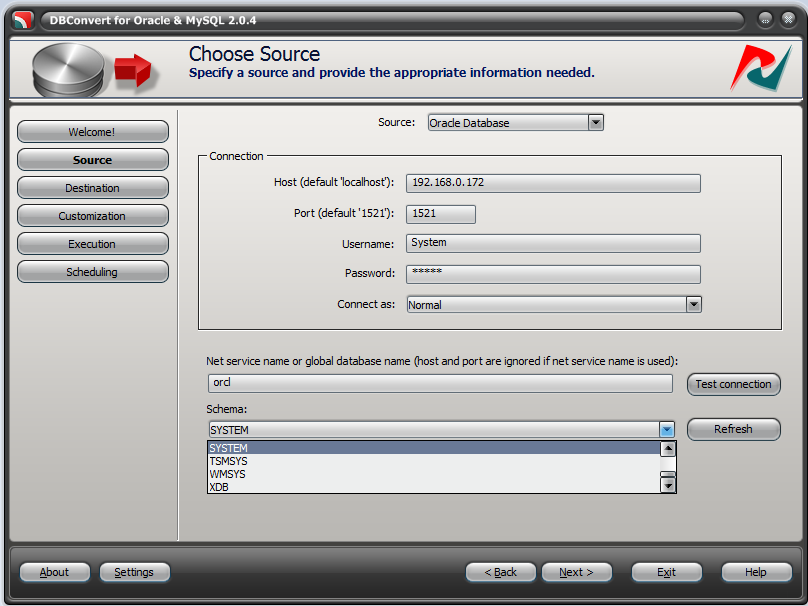
Schema: Use the SYSTEM schema rather than ANONYMOUS (which is read-only). For production work, create a dedicated schema for DBConvert with the required privileges.
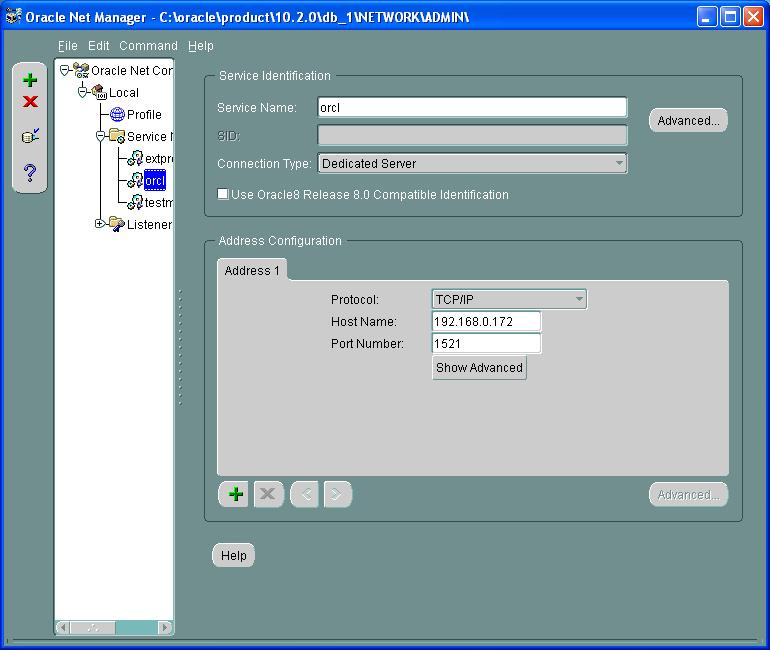
For deeper diagnostics, see Troubleshooting Oracle Net Services in the Oracle documentation.
ORA-28040: No matching authentication protocol
Raised when the Oracle client and server cannot agree on an authentication protocol - usually a newer server with an older client (or vice versa) on the DBConvert machine.
The 2026 application (Oracle with MySQL, SQL Server, PostgreSQL, or SQLite) installs its own Oracle client, which reaches Oracle Database 11.2 and later; there is nothing to install. The fix below is for the previous interface, still used by the Oracle & Access product.
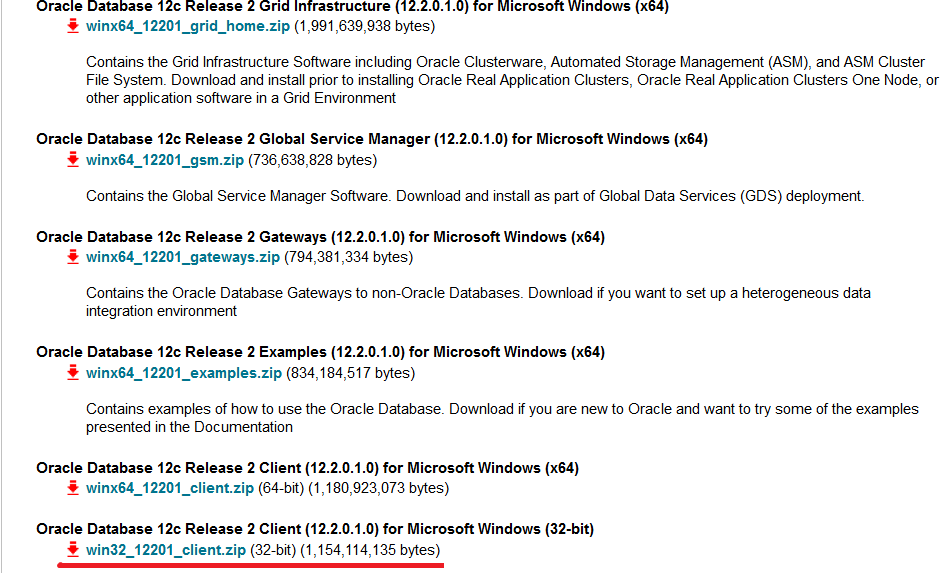
Fix: install Oracle Database 12c Release 2 Client (12.2.0.1.0) for Microsoft Windows (32-bit) on the machine where DBConvert runs. Match the bitness of the DBConvert build (x86 vs x64) when installing the client.
Download: oracle12c-windows-3633015.html
ORA-01727: numeric precision specifier is out of range (1 to 38)
Oracle's NUMBER type allows a precision of 1 to 38 digits. The error appears when a source numeric/decimal column declares a higher precision than Oracle can accept, so the target table is not created.
Fix: on the Customization stage, change the target type mapping so the precision is 38 or less (for example NUMBER(38)), or map the column to FLOAT. See Type mapping.